What Is Passkey Sign In? Simple Guide
Passkeys are changing the way we access our online accounts. Passkey allow users to log in through a fingerprint, face scan, or device PIN, thus making the process free from the hassle of typing complex passwords. This contemporary authentication method is safer, quicker, and more convenient, as it does away with the problem of forgetting passwords.
Understanding Passkeys: The Password Replacement
A passkey is a passwordless authentication method based on public key cryptography, which is aimed at substituting traditional passwords completely. Unlike passwords, which you make and memorize, passkeys are cryptographic keys that are automatically generated and saved securely on your device.
Essentially, when you create a passkey for a site or app, two cryptographic keys are generated: a public key that is stored on the server of the service and a private key that stays securely on your device and is not shared. The private key is in a very secure place, such as a TPM (Trusted Platform Module) or Secure Enclave; hence, it is extremely hard for the hackers to get to it.
Table of Contents
How Passkey Authentication Works
A passkey authentication scheme is a traditional two-step process: registration and authentication.
- Registration Process: The process of setting up a passkey starts with the site requesting a random challenge from your device. Your device responds by creating a one-of-a-kind public-private key pair. While the private key is kept secured in your device, the public key along with the signed challenge is returned to the site for storage. Identity confirmation through biometrics like fingerprint or facial recognition, or a device PIN, is usually done during this step.
- Authentication Process: On your next visit to the site, and when you want to log in, it sends a fresh challenge to your device. Your device then uses the private key it has to sign the challenge and sends the signed challenge back. The site uses the public key it has to verify the signature and thus confirm your identity. This whole process is very swift, and no typing is involved.
Major Benefits of Passkeys
Passkeys provide a number of major benefits over the traditional password that position them as the next wave of authentication technology.
- Enhanced Security: The design of passkeys makes them almost totally resistant to phishing, because they use cryptographic binding to individual websites and therefore can only work on real domains. When a hacker manages to break into a company’s servers, all that the hacker can do is to obtain public keys, which are of no use without the private keys that remain on the users’ devices. What this means is that dangers coming from password reuse, brute force attacks, keylogging, and credential stuffing disappear.
- Easy User Experience: There is no need for the user to memorize complicated passwords or undergo the annoying procedure of password reset. Passkeys make the login process much quicker; respective studies show that passkey authentication takes 2.6 times less than traditional methods. For instance, Mercari managed to have an 82.5% passkey login success rate against 67.7% of SMS codes, and Kayak cut the amount of time for logins by 50%.
- Platform Agnostic: A passkey on several devices will be updated in real time by utilizing platform services such as iCloud Keychain, Google Password Manager, or Microsoft accounts. By creating a passkey on an iPhone, the same key can be used on your iPad or Mac without any further action from your side.
- Reduction of Operational Costs: The elimination of lost password calls to the service desk, the reduction in fraud cases, and the savings made by SMS-based authentication are some of the significant improvements that enterprises are reporting. After switching to passkeys, Yahoo Japan saw the number of its support requests fall by 25%.
Where Passkeys Are Available
Passkey support is being extended at a rapid pace to flagship platforms and their corresponding services. In 2025, more than 15 billion accounts worldwide will be able to use passkey authentication, while over one billion people will have set up at least one passkey.
- Technology and Social Media: The technology companies, social networking platforms, and developer communities such as Apple, Google, Microsoft, Amazon, GitHub, Discord, TikTok, Snapchat, LinkedIn, and WordPress have all adopted the use of passkeys.
- Retail and Consumer Goods: The world-leading retailers like Amazon, eBay, Walmart, Target, Best Buy, Home Depot, Lowe’s, and Shopify are the ones that allow the user to sign in with a passkey option in their stores.
- Financial Sector: The adoption of passkey authentication is not new for financial institutions like Bank of America, Wells Fargo, American Express, Capital One, PayPal, Coinbase, and Robinhood.
- Password Managers: Leading password managers such as 1Password, Bitwarden, Dashlane, NordPass, Google Password Manager, and iCloud Keychain have also been equipped to be compatible with passkey storage and syncing.
Besides all major OSs—Windows, macOS, Android, and iOS—being in favor of passkeys on a native level, the major web browsers, such as Chrome, Firefox, Safari, and Edge, are also compatible with them.
Setting Up Your First Passkey
Simply creating a passkey is a task that is done in a minute or less without complications.
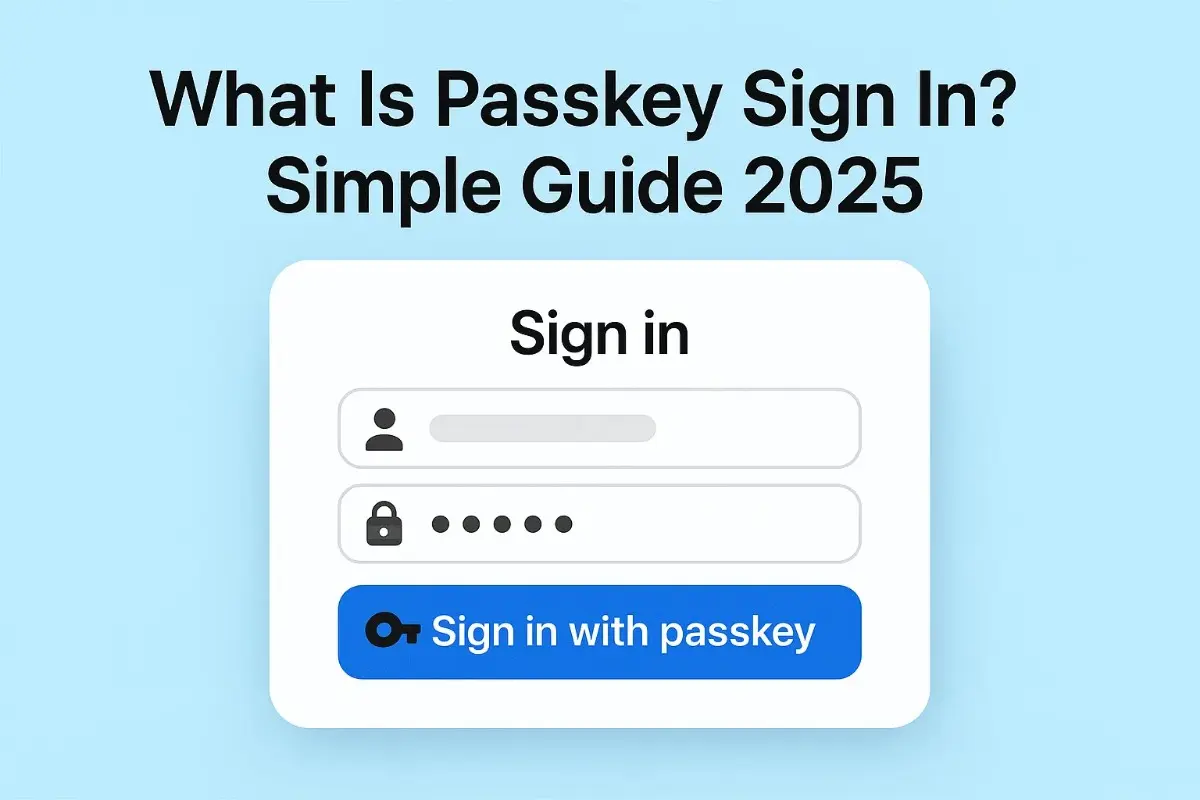
Go to a supported website or app. At the sign-up page or in the security settings of your account, find the option “Create a passkey” or “Sign in with passkey” and select it. Your device will ask for confirmation of your identity via the fingerprint, face scan, or device PIN once you are prompted.
The passkey is immediately created and saved in a secure manner on your device as soon as the verification takes place. You are now good to go with this passkey for signing quickly and easily without the need for passwords.
Just log in to your Google Account and go to the security section and click on the option to generate a passkey if you wish to do so for a Google account. Your device will be used for security verification as per instructions of the system. Apple users can create, change, or delete their passkeys in the Passwords app in iOS 18 and later versions.
Potential Challenges and Limitations
On the bright side, the use of passkeys is a great idea. On the flip side of a coin, though, there are some considerations that should be borne in mind.
- Account Recovery Concerns: Recovering your passkeys after a device loss or break is not that easy. To the extent that email verification and recovery codes are used as methods, most services still count on these traditional ones. When there is an offer for backup passkeys, it is very important to back them up on several devices, or if there is an offer of recovery codes, keep them in a safe place.
- Cross-Platform Compatibility: The support for passkeys is not entirely available for all devices and browsers yet, although it is getting better. People with older devices that do not have biometric features will probably have limitations. You can face the problem of passkey transferring being rather complicated if you want to move them from one ecosystem (e.g., Android) to another (e.g., iOS).
- Vendor Lock-In: For example, passkeys that are saved in platform-specific systems such as iCloud Keychain are those that work flawlessly within that particular ecosystem; however, these passkeys probably will not be easily accessible to other platforms. To ease that problem and to enable the passing of passkeys in a secure manner between providers, the FIDO Alliance is working on a solution, namely the Credential Exchange Protocol (CXP).
- User Education: A large portion of users is still not aware of what passkeys are, which creates the need for support for them to familiarize themselves with them. Companies should not only give the users clear guidance but also keep the alternative authentication options open during the transition period.
The Future of Passkey Adoption
Passkey adoption has been quickly gaining momentum and is set to be major in 2025. One of the highlights is that consumer awareness has exploded from 39% to 74% within two years, and industry insiders are forecasting that, by the end of 2025, 25% of the world’s top 1,000 websites will provide passkey login options.
After all, the banking and payments sector is the one that is most visible with its initiative. The big financial institutions are the ones going first with the implementation of the passkey-based authentication flow.
Mastercard and Visa are starting programs where cardholders will authenticate transactions with passkeys rather than one-time passwords. Some experts even venture that by 2027 passkeys will overtake passwords as the dominant online authentication method.
Public institutions are following suit in the race to adopt passkeys in order to comply with security regulations. The US National Institute of Standards and Technology (NIST) has revised its 2025 security recommendations requiring multi-factor authentication that is phishing resistant; hence, the attraction of passkeys as the best solution for federal agencies. Australia’s MyGov service is already equipped for passkey authentication.
The emergence of AI-based phishing schemes has made the adoption of passkeys go faster. In fact, as these malicious yet ingenious attacks get so sophisticated that even average users cannot spot them, enterprises are increasingly adopting passkeys as the most reliable solution for phishing-resistant authentication.
The Next Step from Passwords to Passkeys
Passkeys are a different class of user authentication that redefines the security of our digital lives. Apart from eliminating security issues that come with passwords, it also enhances the speed and convenience of user experience.
Already, there are billions of accounts that have been enabled for passkeys, and as more than 75% of modern devices support the technology, one can say that the groundwork has been laid for the mass adoption of passkeys.
In addition to that, passkeys are available to anyone who already has access to the internet, wants to buy something online, or manages their financial accounts.
The moment is rare when cybersecurity and user experience go hand in hand in such a way as now with passkeys, and as support keeps growing and more services implement passkey authentication, there is no better moment than today to start using this technology and see for yourself why the future is passwordless.