If your site is slow to load, you’ll not be converting, your search engine presence will take a hit, and visitors will turn around and look for the next best thing. Core Web Vitals (Largest Contentful Paint, First Input Delay and Cumulative Layout Shift) and page experience are given a higher priority by search engines. To allow for a natural growth, shipping time falls is paramount.
Static HTML files are created as a cache copy of dynamic pages to limit the amount of processing done on the server, and so speed up the delivery of content to visitors that return again and again. Using a good cache can have a significant effect on your SEO metrics and the responsiveness of your site.
Top Free Caching Solutions
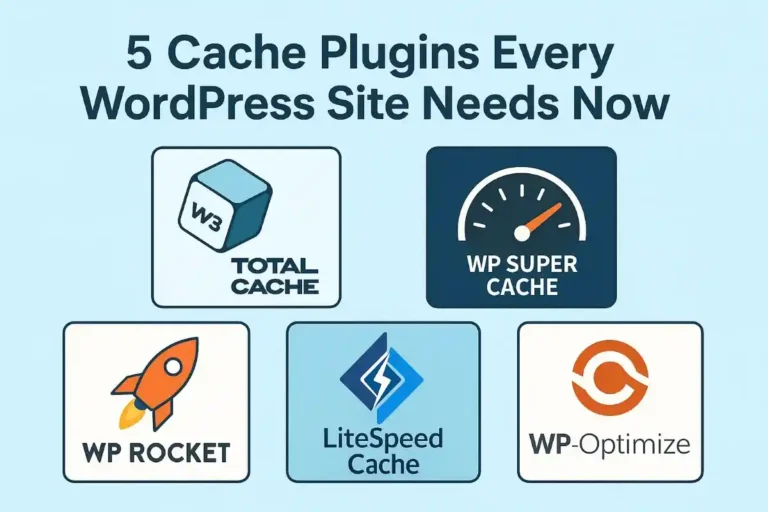
| Plugin | Best For | Key Standout Feature | Skill Level Required |
| LiteSpeed Cache | LiteSpeed Server Hosts | Server-level caching & QUIC.cloud integration | Intermediate to Advanced |
| W3 Total Cache | Complex Custom Setups | Complete granular caching control | Advanced / Developers |
| WP Super Cache | Beginners & Minimalists | Simple static HTML generation | Beginner |
| WP-Optimize | All-in-One Optimization | Database cleaning combined with caching | Beginner to Intermediate |
| WP Fastest Cache | Quick Setup & Ease | Balanced speed boosts out of the box | Beginner |
| Autoptimize | Script & File Minification | Aggregates and defers JS/CSS scripts | Intermediate |
| Breeze | Cloudways Hosting & Simplicity | Built-in Varnish cache compatibility | Beginner |
Table of Contents
1. LiteSpeed Cache (LSCache)
LiteSpeed Cache is a one of the best free speed plugins for WordPress. It works with any web server, but works best when using LiteSpeed web servers, as it can handle page generation at that level.
- Key Features: include automatic caching server-level page caching, built-in image optimization (WebP / AVIF conversion), lazy loading and seamless QUIC.cloud CDN integration.
- Suggested for the following cases: Websites on hosts with LiteSpeed servers.
- SEO Advantage: Reduces Time to First Byte (TTFB) dramatically because no PHP executed in making the web pre-rendered between every visit.
2. W3 Total Cache
Driving long-time WordPress performance preference, W3 Total Cache offers a wealth of configuration choices. This supports all aspects of caching—from page to minification, database, object, through to browser caching.
- Key features: full integration with Content Delivery Networks (CDNs), support for HTTP/2 server push and Redis/Memcached integration for object caching.
- Good for: High-traffic sites and web developers needing more complex architecture controls, advanced users.
- SEO Advantage: Optimize your website around Core Web Vitals by discarding render-blocking resources through custom files minification and deferred loading of assets.
3. WP Super Cache
WP Super Cache has a strong emphasis on reliability and functionality. It is capable to deliver static HTML pages to 99% of visitors without polluting the PHP scripts on the backend web server.
- This is because of a variety of features, including three modes of caching (Simple, Expert with mod_rewrite and Custom), cache preloading and integration with CDN.
- Ideal For: Site owners who wish to get a lean and “set-it-and-forget-it” caching solution without an overwhelming set of settings.
- SEO Benefit: Sends out the static page quickly to cut on the general server strain during peak traffic.
4. WP-Optimize
WP-Optimize unifies site optimization features such as caching, database cleaning and image optimization for the combined optimization platform.
- Key features: include automated database cleaning (which removes revisions, spam comments and transient data), Gzip compression and CSS/JS minification.
- Ideal for: Content-oriented sites/Blogs with lots of revisions and modifications that require both database and caching maintenance.
- SEO advantage: Removing database junk reduces the speeds with which databases query, thus reducing the speed at which dynamic pages run.
5. WP Fastest Cache
WP Fastest Cache is a functionality-friendly tool that’s easy to use. It offers features with an added checkbox system to enable functionalities without technical know-how from its dashboard.
- It has some very nice features such as Mod_rewrite based page caching, automatic cache clearing on post edit, Gzip compression, and SSL support.
- Optimized for: New users that want to have the best uptime on their site without using intricate options.
- SEO Correlation: With warm, pre-rendered static pages always indexed by search engine crawlers, it is easier than ever to gain an advantage from SEO.
6. Autoptimize
For the most part, Autoptimize is an important companion speed plugin directed at properties enhancement, however, it additionally contains different features intended for developers. It delivers front-end scripts, it is an important factor for a well-rounded caching strategy.
Features include Concatenation, Minification and Deferring of JavaScript and CSS scripts, Inline Critical CSS injection and Google Font Optimization.
- Ideal For: Sites that are already used server-side caching and want to maximize script loading for Core Web Vitals.
- SEO Advantage: Removes render blocking scripts to boost First Contentful Paint (FCP) and Speed Index.
7. Breeze
Breeze is a lightweight, modern caching plugin that’s easy to use in various hosting environments.
Out of the box support for Native Varnish caching, along with cleanup for databases, Gzip compression, and mini-fication of files.
- Ideal for those hosting their WordPress site(s) in the cloud or who don’t need a complex sub-menu on their interface.
- Mobile loading time: By loading static content faster, it helps users load your page content quicker, better optimizing your site for Google’s mobile-first indexing calculations.
How to Choose the Right Plugin
- It is of note to check Your Server Type – for LightSword, LiteSpeed Cache is the best option.
- APE Monitor Technical Skill: Beginners use WP Super Cache or WP Fastest Cache; Advanced users use W3 Total Cache.
- Audit Site Requirements: If your site is experiencing slow queries with your database, choose WP-Optimize to combine clean up operations with caching.
#WordPress #WordPressPlugins #WebPerformance #CachePlugins #SiteSpeed #CoreWebVitals #WebOptimization #SEO #WPRocket #LiteSpeedCache