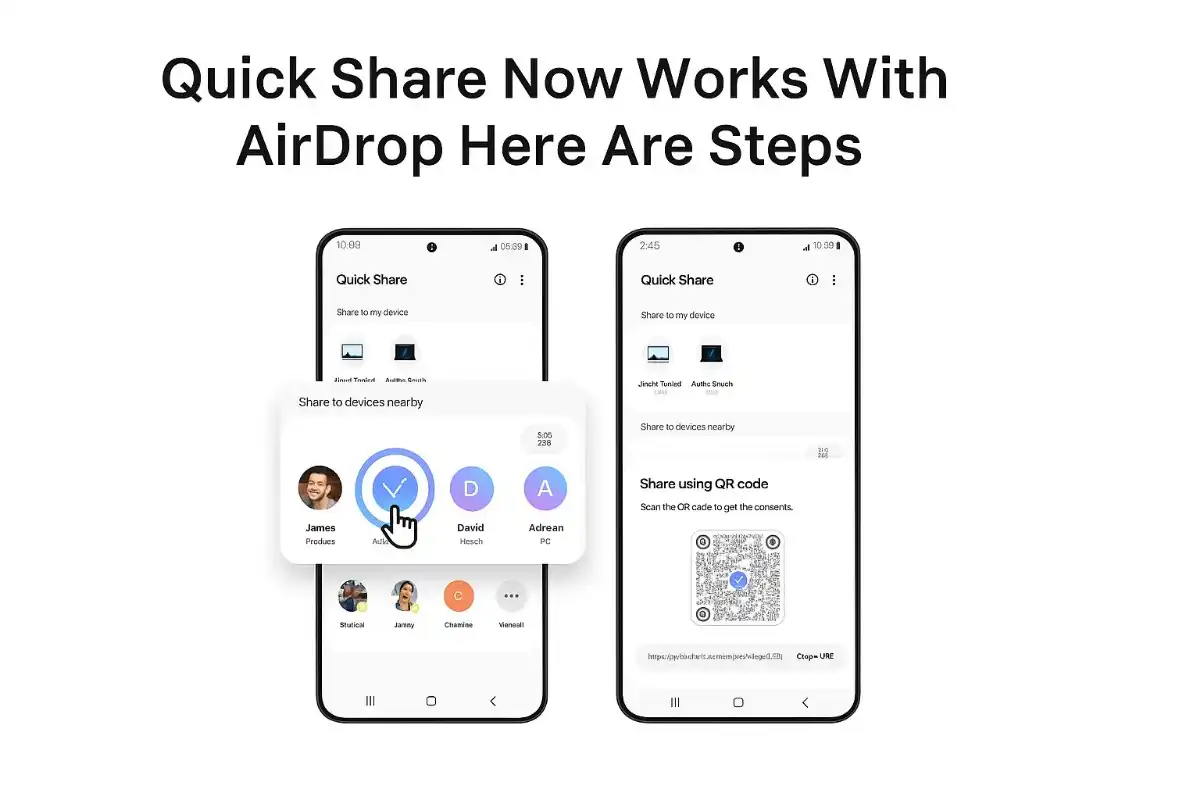
Quick Share Now Works With AirDrop — Here Are Steps
In a move that challenges the long-standing division between Android and Apple ecosystems, Google has defied the odds: Quick Share is now fully compatible with AirDrop. This revolutionary update allows users of Android devices and iPhones, iPads, and Macs to share files directly without the need for any third-party apps or complex workarounds. The Pixel 10 series is the first to receive this function, which is a significant step toward cross-platform interoperability.
What It Means for Quick Share to Work with AirDrop
Technically innovative and fully self-sufficient, Google’s link between Quick Share and AirDrop does not require. The connection implements end-to-end encryption for all media, and independent security experts from NetSPI also attest to its security. In their report, they note that Google’s method is “considerably more robust” than others in the sector and does not emit any traces of information in the process of file transfer.
This operation is two-way; you can send files from an Android device to one running Apple or vice versa. The system accepts images, videos, text, and audio files as well as other formats without any compression or loss of quality.
Table of Contents
Which Devices Can Support Quick Share AirDrop Compatibility?
The ability to share across ecosystems like this is only available to the Google Pixel 10 series of products at this moment:
- Google Pixel 10
- Google Pixel 10 Pro
- Google Pixel 10 Pro XL
- Google Pixel 10 Pro Fold
Though the company has not specified when, Google has indicated that the feature will be available on other Android models eventually. Users of Samsung, whose devices are equipped with Quick Share (a result of the combination of Samsung’s Nearby Share with Google’s Quick Share), will be the first to know when the service can be activated for them.
- Necessary Component: If we want to turn on this feature on Pixel 10, users must have the Quick Share Extension app that Google distributes via a Google Play System Update installed. The small 1.4MB update is the feature enabling work.
Instruction on Sending Files from a Pixel 10 to an iPhone, iPad, or Mac
Step 1: Update Your Pixel 10 Device
You can locate the update for the device by going to Settings > System > Software updates and also checking for the Google Play System Update that carries the Quick Share Extension app. After the update installation, restart your device to complete the setup.
Step 2: Set Up AirDrop on the Apple Device
The iPhone, iPad, or Mac that will be receiving the files should have the AirDrop feature enabled by accessing the Settings and looking for AirDrop. Adjust the visibility to “Everyone for 10 Minutes.” Quick Share doesn’t support AirDrop’s “Contacts Only” mode as of now (however, Google is willing to work with Apple to facilitate this in the future), so currently, this is the only way the feature works.
Step 3: Pick Out What You Want to Share and Share It
If you want to share a file, photo, or video on your Pixel 10, open it first. Press the Share button, and from the sharing options that appear, tap Quick Share.
Step 4: Decide Which Apple Device
Under the Quick Share interface, your Apple device should be listed among the nearby devices. From the list, pick the iPhone, iPad, or Mac.
Step 5: Get the Transfer
The Apple device first needs you to tap or click Accept when the AirDrop notification arrives. The file transfer will be done promptly after that.
How to Send Files from iPhone, iPad, or Mac to Pixel 10
The method is equally efficient when done backward:
Step 1: Set Up Quick Share on Your Pixel
On your Pixel 10, access Settings and type “Quick Share” in the search bar. In the Quick Share settings, change the visibility to “Everyone for 10 Minutes.” Besides, you could also open the Quick Share page and turn on Receive mode.
Step 2: Initiate the Sharing from Your Apple Device
On an iPhone, an iPad, or a Mac, in any of these devices, pick the file, photo, or video you want to share. Tap or click the Share button, and from the sharing options, choose AirDrop.
Step 3: Locate Your Pixel Device
Your Pixel 10 will be listed as one of the available AirDrop destinations. So, from the device list, choose it.
Step 4: Confirmation on Your Pixel
If the Quick Share notification is presented to you on your Pixel device, tap Accept. The transfer will be very fast.
Security Features and Privacy Considerations
As a chief concern, Google secured the integration with various security features. Before its release, the implementation underwent extensive internal tests, including threat modeling, privacy reviews, and red team penetration tests, and finally was confirmed by NetSPI, a third-party security company.
The most important security features are
- The Rust programming language was used for the memory-safe implementation; thus, it is free of memory safety vulnerabilities of any kind.
- The use of direct peer-to-peer connections without any server intermediaries
- End-to-end encryption is used for all file transfers.
- There is no logging of data related to shared content.
- Besides, there is zero additional data sharing apart from the files you decide to move.
In case you are two non-contacts and you are using “Everyone for 10 Minutes” mode for the file transfer, then you can confirm that the person you are sharing with is the right one by checking his/her device name and showing it to him/her physically.
Current Limitations and Future Prospects
This integration is a major step forward, but it still has some limitations as follows:
- Visibility Mode Restriction: At present, Quick Share is only compatible with AirDrop’s ‘Everyone for 10 Minutes’ mode. The more restrictive ‘Contacts Only’ mode has not been supported yet; however, Google has mentioned that it is willing to cooperate with Apple to enable this feature.
- Device Availability: The feature is currently only available for the Pixel 10 series, and thus other Android devices, such as Samsung Galaxy phones, cannot use it for the time being.
- Network Requirements: To achieve the best performance, both devices need to be on the same Wi-Fi network, and their Bluetooth should be turned on as well.
Why This Matters for Users
That pain point has been solved by this innovation, and that means great news for those who live together with different devices, workplaces, and social circles. Prior to this, the only way to share files between Android and Apple was through exhausting workarounds, such as sending attachments via email, uploading to cloud storage, or using third-party apps for messaging that most of the time compressed media quality.
This way, it is as easy as sharing within two devices from the same ecosystem to transfer the high-resolution photos from a Pixel 10 to an iPhone. The files keep their original quality without being compressed, and the whole thing takes a few seconds.
Google’s Broader Cross-Platform Vision
This Quick Share AirDrop collaboration is just one of Google’s many efforts aimed at cross-platform communication and compatibility enhancement. Besides this, the company undertook similar initiatives like RCS messaging support and unknown tracker alerts, thereby conveying Google’s dedication to ensuring user experience remains uninterrupted regardless of the device chosen.
On these interoperability issues, the firm has expressed willingness to work jointly with Apple numerous times. Statements made by Google’s spokesperson underline that “our goal is to provide an easy and secure file-sharing experience for our users, regardless of who they are communicating with.”
Getting Started Today
In case you possess a Pixel 10 series device, then you are good to go with this functionality right now. Locate the Google Play System Update, take the Quick Share Extension app along with it, give your device a fresh reboot, and instantly you would be able to effortlessly share files with Apple users in your circle.
What about the rest of us, though? Those who have other Android devices, say Samsung Galaxy phones, and need to wait for an indefinite period before this feature becomes available for them. Google has already confirmed that the function will be available to more devices before long, thus enabling easy sharing between different platforms for the whole Android community. This groundbreaking collaboration between Android’s Quick Share and Apple’s AirDrop is what makes “it just works” possible not only for a select few but for everyone regardless of their device choice.